Tag: review

  • Slim SEO Keeps Options Simple and Handles the Legwork of SEO

    Slim SEO Keeps Options Simple and Handles the Legwork of SEO

    I have been running a blog of some kind since the Spring of 2003. In a few short months, it will be my 17th blog-aversary. The most important lesson I have learned over the years is to not do more work than is necessary to publish a blog post. There was a time when I…
  • Automatic Image Alt Tags and More with Image SEO

    Automatic Image Alt Tags and More with Image SEO

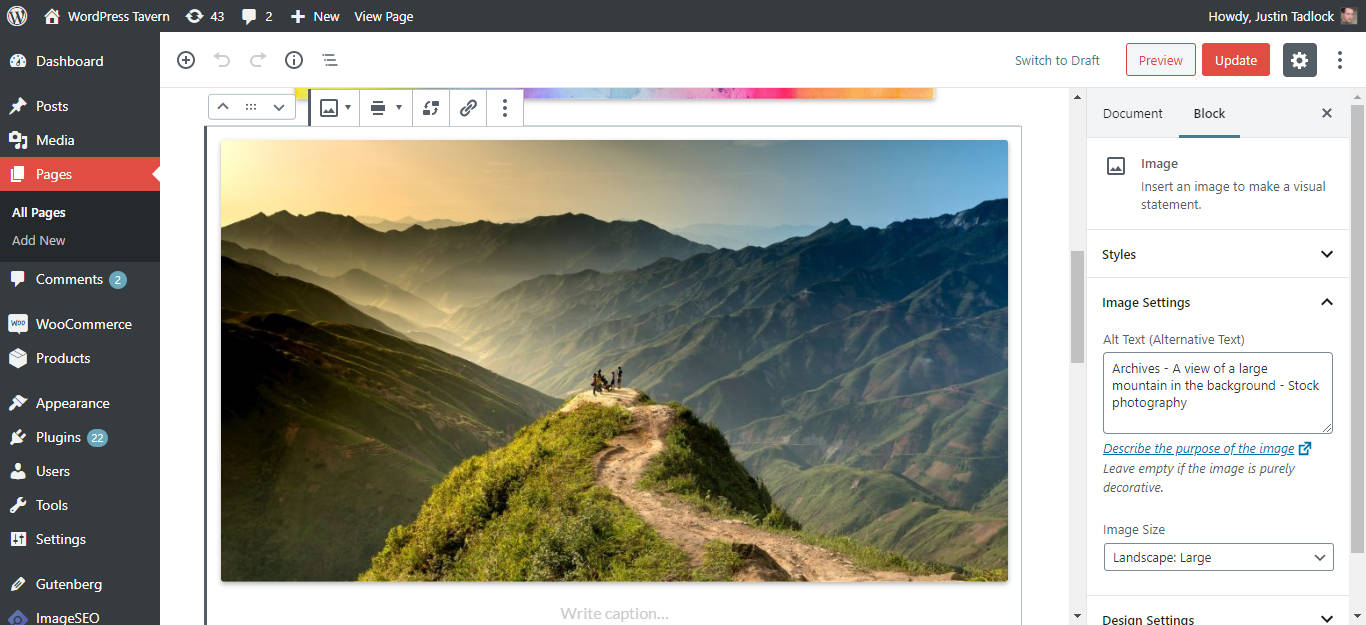
    I had the opportunity to test the Image SEO plugin over the past week. Image SEO is a plugin that connects to an accompanying online service that processes images uploaded to a WordPress installation. The plugin can automatically rename file names, create alt tags for screen readers, and optimize images for Pinterest. The plugin is…

  • WPHelpful: A User Feedback Plugin

    WPHelpful: A User Feedback Plugin

    WPHelpful is a plugin created by Zack Gilbert and Paul Jarvis that allows users to rate the helpfulness of a post. It can be a useful addition to sites that offer tutorials, lessons, documentation, or any content where user feedback is warranted. Version 1.0 is available for free in the official WordPress plugin directory, but…

  • Bayleaf: A Food and Recipe Blog Theme

    Bayleaf: A Food and Recipe Blog Theme

    With the WordPress theme directory dominated by business-oriented themes, it’s sometimes tough to find themes that cater to more specific user groups. If you dig deep enough, you’ll find something outside the norm. Bayleaf is a blog theme specifically designed for sharing food and recipes. The theme is designed and developed by Vedathemes. They currently…

  • Plugin Review: Theme Support for Gutenberg

    Plugin Review: Theme Support for Gutenberg

    As Gutenberg nears a merge with WordPress, Theme Authors are running out of time to ensure that their themes are compatible. The Gutenberg handbook has an excellent article on how to opt-in and add support for enhanced features. Most themes will present the default blocks without any issues as the blocks themselves provide their own…

  • Manage Multiple Social Media Accounts in WordPress With Social Media Suite

    Manage Multiple Social Media Accounts in WordPress With Social Media Suite

    Managing social media accounts across multiple networks can be a cumbersome task. Social Media Suite by Tina Todorovic and Dejan Markovic, based in Toronto, Canada, aims to make managing those accounts a breeze. At its core, Social Media Suite is a social media marketing management platform. To use it, you’ll first have to install the…

  • Community Team Releases Plugin That Displays WordPress Events Nearby

    Community Team Releases Plugin That Displays WordPress Events Nearby

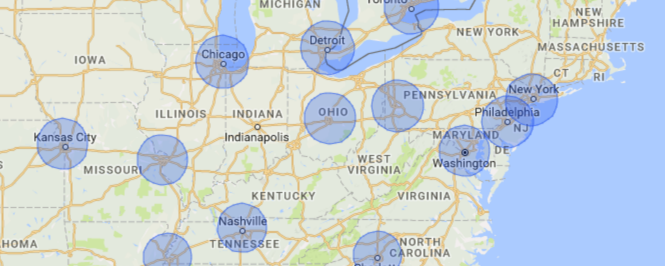
    Two weeks ago, I highlighted a WordPress plugin that displays upcoming WordCamps in the Dashboard. I’ve recently discovered that the WordPress Community team is working on an official plugin that does something similar called Nearby WordPress Events. The plugin attempts to detect a user’s location and displays upcoming events within the WordPress News dashboard widget.…

  • How to View Upcoming WordCamps in the WordPress Dashboard

    How to View Upcoming WordCamps in the WordPress Dashboard

    Over the course of a year, WordCamps take place nearly every weekend. Although you can view upcoming events on WordCamp Central, a relatively new plugin exist that enables you to see upcoming WordCamps on the WordPress Dashboard. It’s called WordCamp Dashboard Widget developed by Ajit Bohra. Once activated, a new widget appears on the dashboard…

  • Easily Hide WordPress’ Blogging Features With the Disable Blogging Plugin

    Easily Hide WordPress’ Blogging Features With the Disable Blogging Plugin

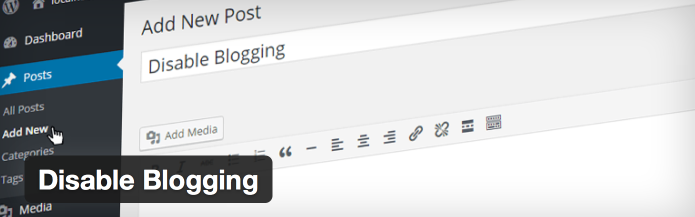
    WordPress strikes a good balance by offering users the ability to publish dynamic content via posts and static content via pages. However, if you’d like to use WordPress primarily as a static content management system without the features related to blogging, check out a new plugin developed by Fact Maven Corp. and Ethan Jinks O’Sullivan called Disable Blogging.…

  • Easily Add, Remove, and Rearrange Columns With The Admin Columns Plugin

    Easily Add, Remove, and Rearrange Columns With The Admin Columns Plugin

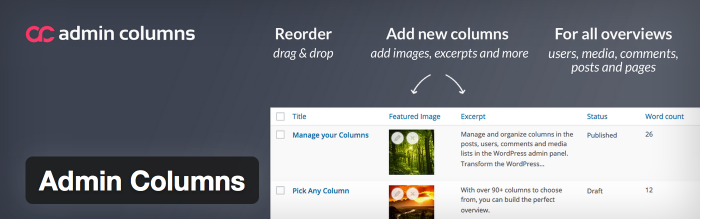
    If you find yourself wanting more control over the columns on the posts, post types, pages, media, comments, links, and users administration screens, take a look at the Admin Columns plugin. Admin Columns, developed by Codepress, is a free plugin that is actively installed on more than 60K sites that enables administrators to add, remove, and rearrange columns. Each…

  • WPForms Aims to be the Most Beginner Friendly Forms Plugin for WordPress

    WPForms Aims to be the Most Beginner Friendly Forms Plugin for WordPress

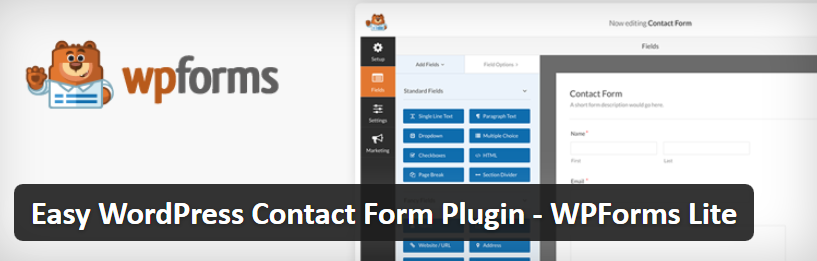
    WPForms Lite is a new plugin developed by Syed Balkhi and Jared Atchison that aims to be the most beginner friendly form creation plugin in the market, “We made simple tasks EASY rather than letting the complex tasks define how hard simple will be,” Balkhi told the Tavern. I took the plugin for a test…

  • Easily Display Highlights of a Story With the Story Lines Plugin

    Easily Display Highlights of a Story With the Story Lines Plugin

    If you’re looking for an easy way to display highlights of a story inside of posts, check out a new plugin called Story Lines, developed by Jacob Martella. Story Lines adds a meta box to the Posts screen where users can name the highlights box, configure its width, how it’s displayed, and fields for three…

  • How to Assign Icons, Images, and Colors to Categories and Tags in The WordPress Backend

    How to Assign Icons, Images, and Colors to Categories and Tags in The WordPress Backend

    When WordPress 4.4 was released in late 2015, some users questioned how to add colors and icons to categories as illustrated at the 1:17 mark in the release video. The colors and icons are not something users can define by default. Instead, they’re exposed by plugins using the Taxonomy Term Meta feature in 4.4. To…