Plugins

  • Discover Which WordPress Plugins A Site Has Installed With Plugin Checker

    Developed by Earth People, a web development agency based out of Gamla Stan in Stockholm, the WordPress Plugin checker can find which plugins are installed on almost any WordPress site. Unfortunately, this tool doesn’t list all of the plugins it detects. Instead, it looks to see if any of the plugins developed by Earth People…


  • Splitdown: A Free Ghost Style Markdown Editor for WordPress

    There are quite a few Ghost fanboys and fangirls in the WordPress community who are attracted to its content editor because of how well it minimizes disruptions in the writing flow. The side-by-side preview eliminates the need to switch back and forth between screens to check formatting in the preview. In the meantime, while the…

  • How to Add Font Awesome Icons to WordPress Menus

    How to Add Font Awesome Icons to WordPress Menus

    Font Awesome is an icon font comprised of 369 scalable vectors that can be customized via CSS to change the size, color, add drop shadows, adjust opacity, etc. Though originally designed for Twitter Bootstrap, the font is available for use within any project. These icons have fewer compatibility issues because they don’t require JavaScript. They…

  • Audit Your Alt Attributes with the WordPress Media Ally Plugin

    Delving into the intricacies of web accessibility can be like visiting a remote star system. Many of the terms and practices are unfamiliar to your average blogger or site owner. For this reason, accessibility is an often overlooked aspect of publishing content for the web. Fortunately, there are some experts out there who have created…

  • Make It Snow On Your WordPress Site With Jetpack

    As is tradition on WordPress.com, it’s that time of year where they turn on the snow machine. In order to accomplish the same thing for a self hosted installation of WordPress, you’d need to use a plugin. Great news if you’re already using Jetpack! If you have Jetpack enabled on your site, point your browser…

  • A Useful WordPress Plugin For Those Who Write Long-form Content

    Developed by George Stephanis, Add IDs to Header Tags is a WordPress plugin that adds an `id` attribute to header tags in posts. This enables users to deep-link into your content. This is especially helpful to those who consistently publish medium to long form articles.

  • Industry Night #3 – Tim Varner of Roost.me on WordPress Based Push Notifications

    Industry Night #3 – Tim Varner of Roost.me on WordPress Based Push Notifications

    I’ve always been one to seek out those small little bridges of technology that can connect WordPress to the rest of the world. Roost is a good candidate for anyone who would like to push their content to an audience without the restrictions of having an app made. So pull up a chair, grab a…

  • Easier Way To Enable Or Disable Jetpack Modules With Rocketeer

    One of the most common complaints from users of the Jetpack plugin is not being able to easily disable or enable modules. A new plugin called Rocketeer developed by Brady Vercher hopes to solve this problem. Rocketeer creates an interface in the back-end of WordPress similar to the plugin management page. With this interface, users…

  • New Plugin Adds Cloudup oEmbed Support to WordPress

    You may have seen Cloudup links floating around here and there on Twitter. Though still in private beta, Cloudup now has expanded resources since being acquired by Automattic. In case you haven’t tried it yet, Cloudup allows you to easily share images, links, videos, code, documents and more. When you use any file sharing service…

  • Encouraging WordPress Plugin Developers To Create A Sensible Release Strategy

    It’s a phrase that’s all too common in open source software development, “iterate quickly, release often“. The idea that any time a bug is fixed or an improvement is made that those fixes should be pushed out immediately to the end-user. The process is wonderful for companies operating under the Software As A Service umbrella…

  • Industry Night #2 – Evan Herman

    Industry Night #2 – Evan Herman

    WordPress Plugin authors like Evan Herman are my favorite kind of developers. He loves the WordPress community to a degree that when he gives his contact information, he always includes his WordPress.org user name! I would classify Evan as a “lunch bucket” type of developer. The kind of guy that isn’t seeking notoriety or accolades…

  • Jetpack 2.6 Introduces Uptime Monitoring and Improved Support for WP-CLI

    Jetpack 2.6 Introduces Uptime Monitoring and Improved Support for WP-CLI

    Jetpack 2.6 is now available. This release introduces Monitor, a brand new module for monitoring the uptime of your website. Do you flip your lid when you find out that your website has been down? Activating the Monitor module will help you to deal with downtime more expediently, because you’ll be instantly notified when your…

  • Barley for WordPress: A Revolutionary Inline Content Editor

    Barley for WordPress: A Revolutionary Inline Content Editor

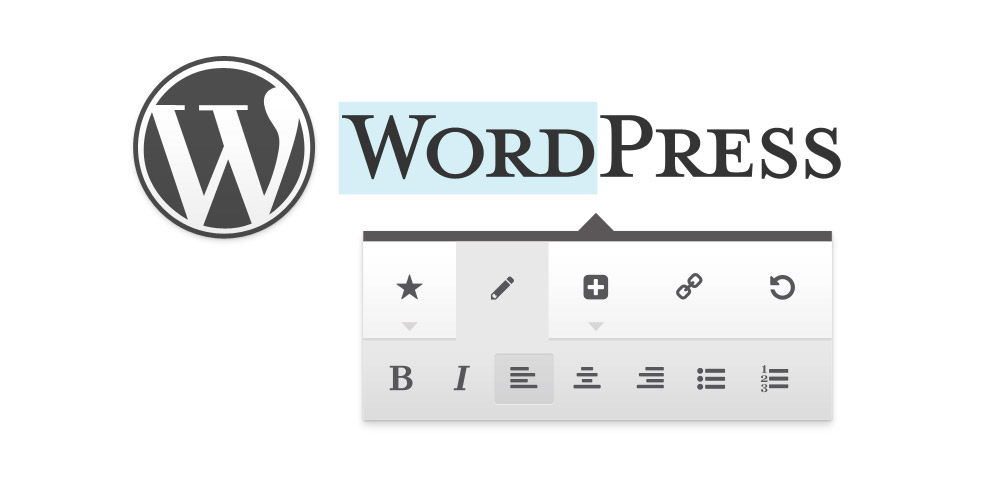
    Hopping back and forth between screens to edit and preview content will soon be a thing of the past. Many WordPress plugin developers have taken a shot at improving the editing experience and there’s even a team of core contributors working on a front-end editor for a future version of WordPress. The big news today…

  • WordPress Plugin Challenge: Fix the Intentionally Vulnerable Plugin

    WordPress Plugin Challenge: Fix the Intentionally Vulnerable Plugin

    Attention WordPress plugin developers! Here’s an opportunity to sharpen your skills. Back in April, Jon Cave created a learning exercise, asking developers to review an intentionally vulnerable plugin that he created. Cave loaded this plugin up with a range of common security vulnerabilities that you might find out in the wild. The plugin is located…

  • 7 Tiny Tweaks to Improve WordPress Content Management

    7 Tiny Tweaks to Improve WordPress Content Management

    The WordPress admin is arranged to suit the general needs of most people who will be using it to publish content. Depending on the volume of content you’re creating and your habits in the admin, you may find that you have unique needs. Tom McFarlin released a plugin this weekend that adds page templates to…