Tutorials

  • VVV Site Wizard Automates the Creation and Deletion of WordPress Development Sites

    VVV Site Wizard Automates the Creation and Deletion of WordPress Development Sites

    If you’re using Varying Vagrant Vagrants for WordPress development, the VVV Site Wizard, created by Alison Barrett, is a must-have tool for setting up new sites and deleting old ones. It’s a bash script that completely automates the otherwise lengthy process of adding a new site to VVV. If you already have VVV up and…

  • How to Repair a Crashed WordPress Posts Table

    How to Repair a Crashed WordPress Posts Table

    Every now and then the WordPress posts table will crash and screw up your website. Why does this happen? It’s not always clear how tables get corrupted, although it can usually be attributed to an unexpected event, such as the MySQL server or the server host getting killed in the middle of an update, causing…

  • WordPress Theme Review VVV: A Quick Vagrant Setup for Testing Themes

    WordPress Theme Review VVV: A Quick Vagrant Setup for Testing Themes

    Varying Vagrant Vagrants is likely the most popular Vagrant configuration for setting up a WordPress development environment. VVV makes it easy to create new WordPress installations for developing themes and plugins as well as contributing to core. One of the most time-consuming aspects of testing and reviewing WordPress themes is setting up a test site…

  • How to Use Open Source Brick Fonts With WordPress

    How to Use Open Source Brick Fonts With WordPress

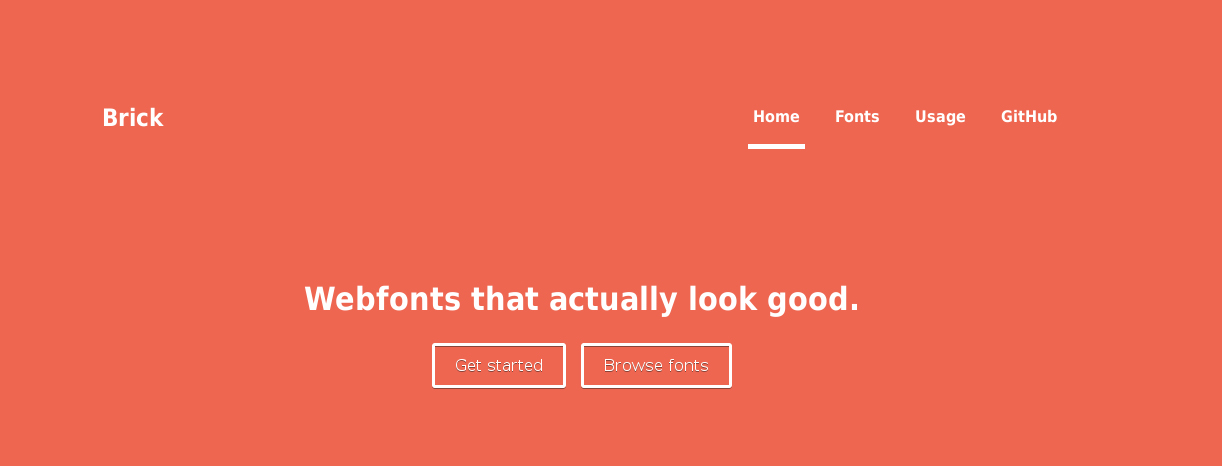
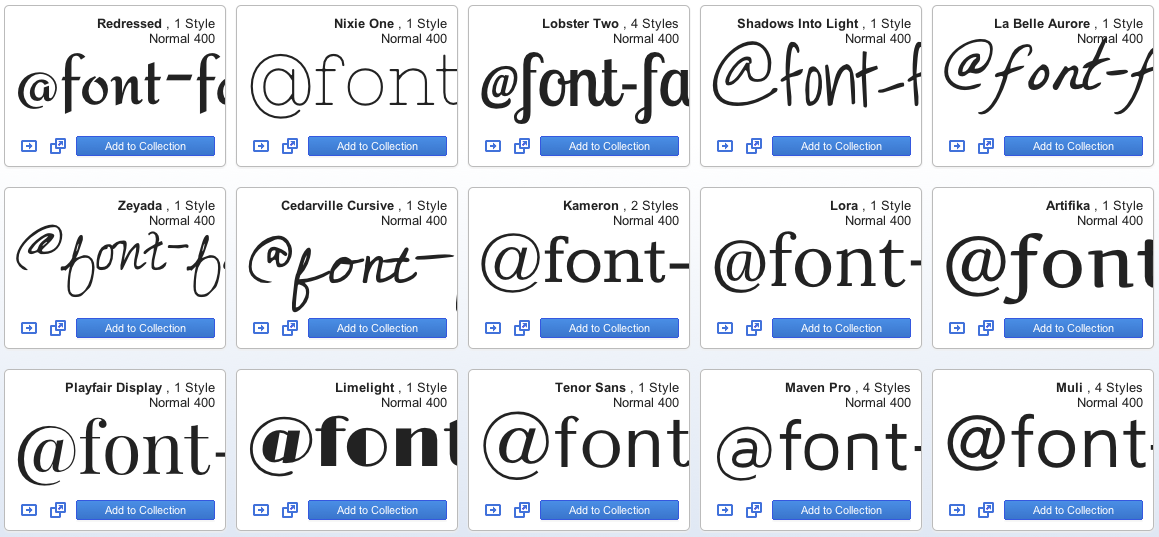
    Easy access to open source typography services has made the web a more beautiful place. Google’s vast library of fonts is free, fast-loading and hosted on high performing servers, which has resulted in ubiquitous use across the web. But have you ever looked at Google fonts and wondered why they appear to be a bit…

  • VagrantPress: A WordPress Development Environment for Themes and Plugins

    VagrantPress: A WordPress Development Environment for Themes and Plugins

    There are many ways to set up a Vagrant-based development environment for WordPress. It’s likely that you’ve come across Varying Vagrant Vagrants in your searches. VVV is probably one of the most popular Vagrant configurations for WordPress, but it may include more than you need. If you’re not contributing to WordPress core, then you may…

  • WordPress Tip: How to Load Google Fonts Over SSL and Non-SSL

    WordPress Tip: How to Load Google Fonts Over SSL and Non-SSL

    Here’s a quick tip for when you load Google fonts in WordPress. If you want the fonts to work over both SSL and non-SSL, you need to use the protocol relative link. For example, if you’re loading Google fonts from your theme’s functions.php file, you might do it like this: [php light=”true”]function mytheme_enqueue_styles() { wp_register_style(‘googleFonts’,…

  • How to Set Default CSS Background Properties in WordPress Themes

    How to Set Default CSS Background Properties in WordPress Themes

    Here’s a handy trick for WordPress theme developers. As of WordPress 3.8, theme authors have the ability to customize defaults when adding custom background support. For example, you can set a default for any of the following CSS background properties: background-color background-image background-repeat background-attachment background-position Oftentimes users want their sites to look similar to the…

  • How to Add Subscript and Superscript Characters in WordPress

    How to Add Subscript and Superscript Characters in WordPress

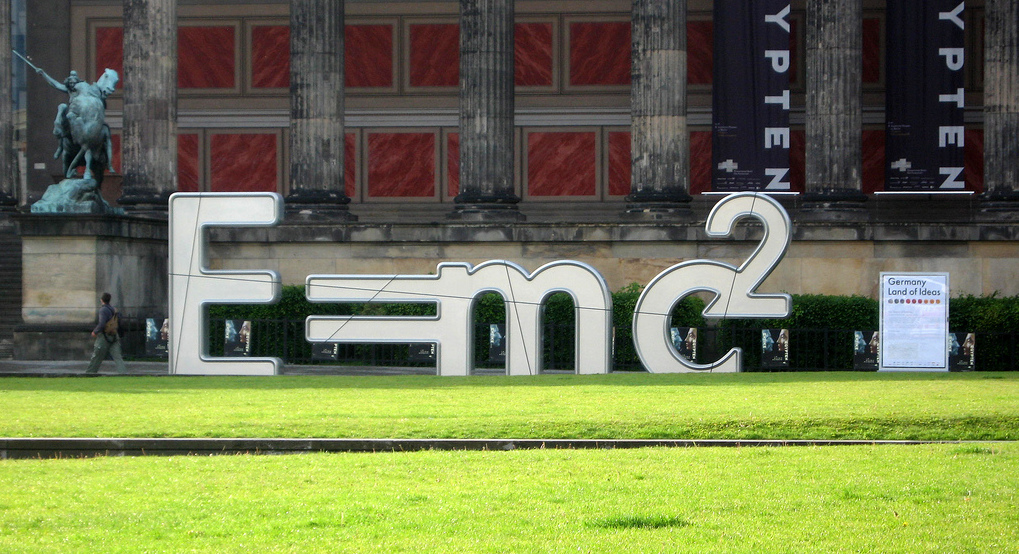
    Did you know that WordPress has built-in support for subscript and superscript characters? This information is not easy to find, as it’s tucked away under the Editing Help page in the codex. Although the WordPress editor doesn’t show subscript and superscript buttons, you can add these characters anytime using the sub or sup tags. For…

  • How To Create A Dropdown Menu Of WordPress Categories Without Using Code

    How To Create A Dropdown Menu Of WordPress Categories Without Using Code

    A long standing pain point I’ve had with WordPress is the inability to use the menu administration area to easily add a dropdown list of categories to my theme’s main menu. While the menu system provides the means to add categories to a menu, it doesn’t contain a way to easily create a dropdown list…

  • Quick Tip: WordPress Saves Your Widgets

    Quick Tip: WordPress Saves Your Widgets

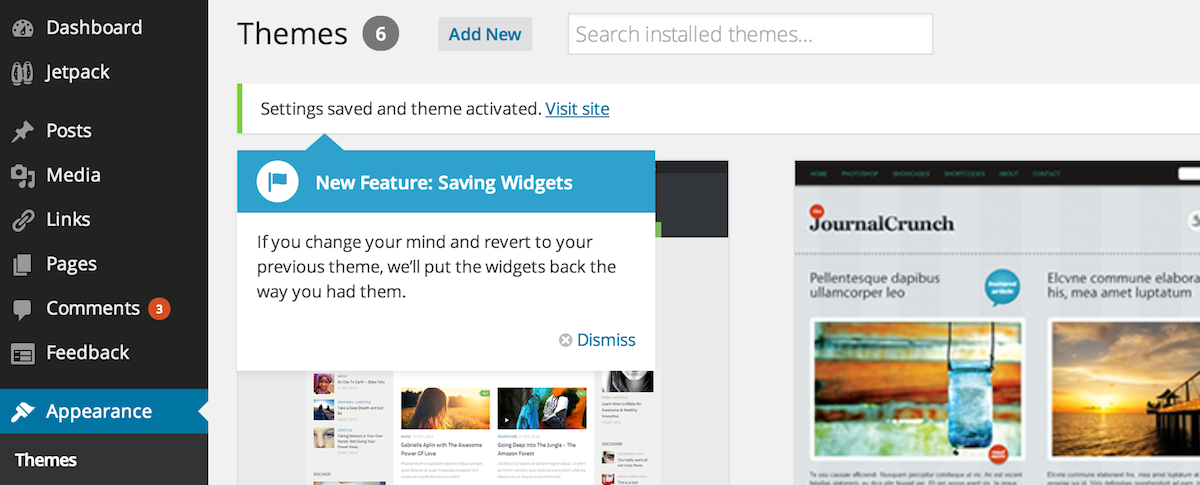
    Have you ever thought about switching your WordPress theme but then hesitated, wondering what might happen to your widgets? Although it may not be obvious, the good news is that WordPress remembers where you previously had your widgets and saves the settings. If you decide to revert back to your previous theme, WordPress will put…

  • How to Use Ghostery to Find Trackers Added by WordPress Plugins

    How to Use Ghostery to Find Trackers Added by WordPress Plugins

    A few days ago, Jeff wrote a post encouraging WordPress plugin developers to be more transparent about trackers they apply to your website via their extensions. He referenced Pooria Asteraky’s discovery that a social sharing plugin had applied 13 trackers on a vanilla installation. This is no surprise, really, as a site owner installs social…

  • How to Prevent BuddyPress From Changing Comment Author URLs

    Did you know that BuddyPress changes the URL for comment authors to point to the user’s BuddyPress profile? It does this by filtering the ‘comments_array’ in the bp-core-filters.php file to insert BuddyPress URLs for blog post comments: add_filter( ‘comments_array’, ‘bp_core_filter_comments’, 10, 2 ); For most BuddyPress sites this is a good thing, since it emphasizes…

  • How to Disable Related Videos for YouTube Embeds in WordPress

    When you embed a YouTube video in a WordPress post, it is generally added to illustrate your content. Sometimes your video is the main focal point of the post. Chances are that you don’t want to be sending users to related videos after viewing the embedded one. You want to keep the reader’s attention on…